
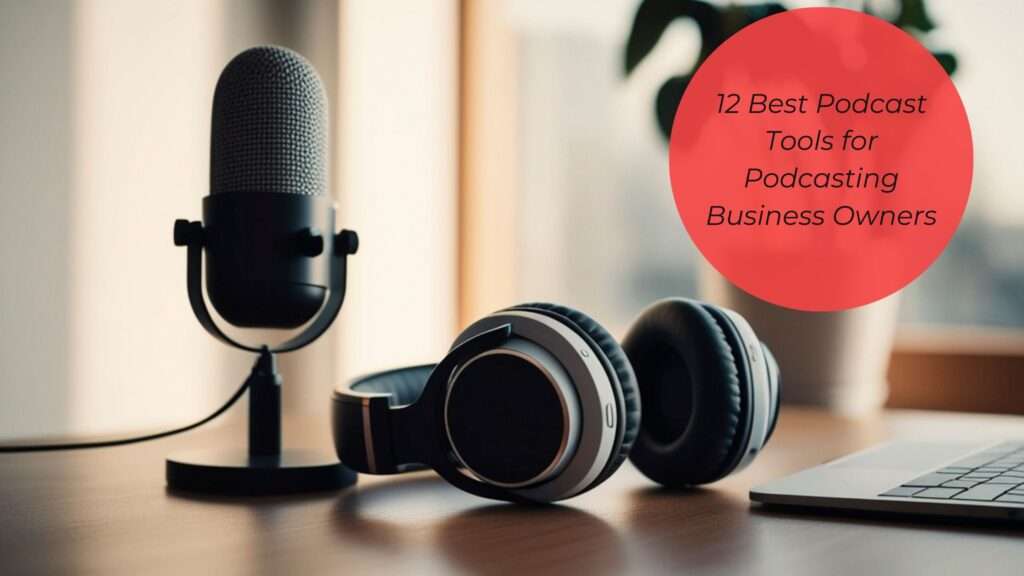
Whether you’re launching a podcast or are a seasoned podcaster, you need to know the best podcast tools. Below, I share the 12 best podcasting tools to help you create a binge-worthy podcast that your listeners will look forward to each week. These are the tools I use and recommend to my Podcast Like a Business Owner students and Evergreen Marketing Accelerator clients.
With so much information available online, it can be difficult to know what you actually need to start, maintain, and grow your podcast. If that’s you, welcome! You’re in the right place. Continue reading to learn what podcast tools you actually need without breaking the bank.
What Equipment is Needed for a Podcast?
So what equipment do you actually need to successfully start and continue with a podcast? Depending on who you talk to, you will get an array of answers. If you’re reading this blog, I’m guessing you’re a business owner who is either a solopreneur or maybe has one team member. That means that, most likely, you are or will be recording your episodes from the comfort of your home. I’m all about simplicity as a business owner and homeschooling mom because my time and capacity are limited, so I don’t need the bells and whistles. Starting out, you don’t need to worry about a video podcast. That adds another layer of complexity, so just focus on the equipment you actually need to launch and maintain an audio only podcast. For an audio only podcast, you need a microphone, headphones, recording and editing software, and a podcast hosting platform. Keep it simple.
12 Podcasting Tools for Business Owners
As a podcast host and podcast strategist who has supported over 60 women in launching, growing, and monetizing their podcasts and produced over 600 podcast episodes, I’ve had extensive experience with various podcast tools and equipment. This list consists of my top-rated podcast equipment, software, and resources that have helped my clients and me successfully start and grow our podcasts.
Podcast Launch Course: Podcast Like a Business Owner
Launching a podcast can be overwhelming if you don’t know what to do or what equipment to use. Podcast Like a Business Owner takes the stress and overwhelm out of starting a podcast for your business. This course was created specifically for business owners who want to start a podcast to grow their email lists and sign clients. It teaches you both the technical aspects of starting a podcast (including how to use many of the tools and platforms recommended in this blog post) AND the strategy for starting a profitable podcast that supports business growth.
Podcast Hosting: Captivate.fm
Having worked with many podcasters, I have used many podcast hosting platforms, and by far the best is Captivate.fm. Captivate offers top-notch customer support. They are always looking for ways to improve and provide a better user experience. The resources they have available for podcasters are incredible – live trainings on podcast growth, monetization, and more. This podcast host offers unlimited public and private podcast feeds with each plan (plans vary by downloads per month). Other features include dynamic ad insertion, tools for monetization and marketing, customized podcast players that match your brand, and so much more. When you choose the personal pricing plan, the investment is $19/month or $204/year. If you want to learn more about Captivate podcast hosting and how to choose a podcast hosting platform, check out this blog!
When you sign up using the link, you get a 30-day free trial!
Podcast Editing: Audacity
There are many podcast editing software options available; however, I have found Audacity to be the easiest to use. The best part is that it’s free! You can also record your solo podcast episodes in Audacity. Because it is used for both recording and editing, you can edit as you record with the pause recording feature. Imagine knocking out both recording and editing your podcast in one sitting. To get started with Audacity, just head to the website and download the software onto your computer.
Audio Leveler: Auphonic
Have you ever listened to a podcast episode where the audio is really loud one moment, then drops to a really low level? It’s frustrating to have to keep turning the volume up and down, ruining the listening experience. As a podcast host, avoid this by running your edited podcast through Auphonic. Auphonic will even out the audio level to ensure a smooth listener experience. Make sure to purchase credits instead of using free ones, since the platform now inserts a random ad into your audio when you run it through the platform if you use free credits.
Podcast Page/Website: Showit
Of all the website builders I have used, Showit is by far my favorite. It is one of the easiest to use because it does not require any code. Showit is a drag-and-drop website builder that is great for SEO. Showit website templates are also available for purchase. You can easily create an eye-catching podcast page for your website on Showit.
When you sign up using the link, you get a 30-day free trial!
Microphone: Samson Q2U
The Samson Q2U is one of the best microphones for recording podcasts at home. It is a dynamic microphone, which means it is not sensitive to sound and doesn’t pick up much background noise. This microphone is easy to set up and use. Since it is a USB microphone, you can easily plug it into your computer. The best part is that it is budget-friendly, at under $100 on Amazon. I’ve been using this microphone for 2 years, and it has never failed to capture high-quality audio. Another option for recording solo episodes is using the voice memo app on your phone. Just make sure to record in a walk-in closet or a quiet place!
Headphones: Lorelei X8 Over the Ears Headphones
The best headphones for recording and editing audio are over-the-ear wired headphones. While recording, you need headphones to block background noise, and you don’t have to worry about going out because of the Wi-Fi connection. My favorite is the Lorelei X8 headphones because they work great, are cost-effective, and come in a variety of cute colors. I even found some that matched my brand colors, which was exciting! If you purchase the Samson Q2U bundle, you get a great pair of over-the-ear headphones.
Podcast Management Workflow & Organization: Trello
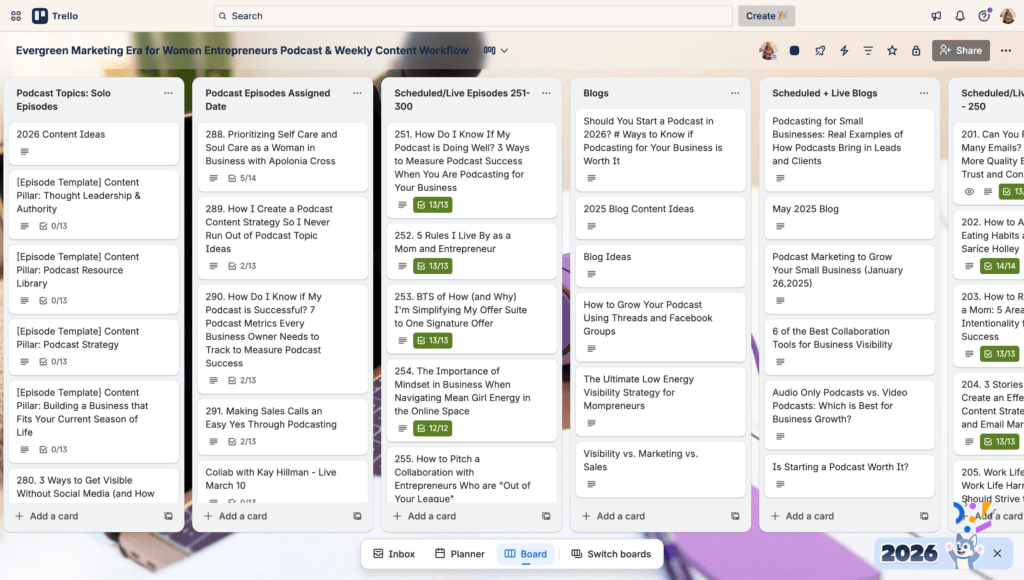
The key to staying consistent with your podcast is having a good system and processes in place. If you aren’t tracking what you should be doing each week for your podcast and staying organized, you will become overwhelmed and struggle to publish new episodes. Personally, I use Trello to manage my podcast. I use it to map out my content each month and to follow a checklist for each episode to ensure I complete everything for production. If you’re not a Trello girly like me, there are other options, such as Asana, ClickUp, Airtable, and more.
Podcast Lead Generation and Conversions: The Evergreen Marketing Accelerator
Let’s be real: If you are a business owner with a podcast, you want to know how to attract leads and convert them into paying clients. Many of my clients join the Evergreen Marketing Accelerator for this exact reason. The accelerator is a 3-month done-with-you podcast strategy and coaching experience where we build a custom plan tailored to your business goals, capacity, and season of life. You’ll get 1:1 strategy support, direct feedback on your podcast content, and guidance to ensure your podcast is actually contributing to your marketing and sales.
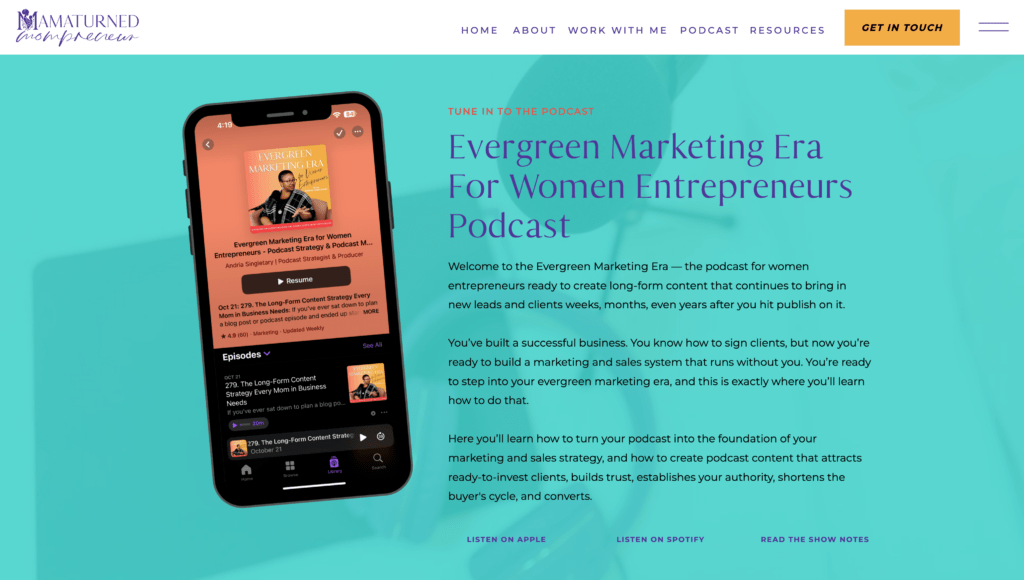
Strategic Podcast Content Planning: Evergreen Marketing Era for Women Entrepreneurs
My podcast, Evergreen Marketing Era for Women Entrepreneurs, is a great resource for business owners who want to start a podcast for their business or optimize their current podcast to generate more leads and conversions. I have a few episodes on creating strategic podcast content that supports your business goals. Here are a few to check out: episodes 281, 286, 287, and 303.
Email Service Provider: Flodesk
Now, you may be wondering why I’m mentioning an email service provider when we’re talking about podcasts. While podcasts are a great way to build a deeper connection with your audience, the conversation is one-sided. The best way to keep the conversation going with your listeners is to connect with them through your email list. This gives them a chance to actually respond and have a one-on-one conversation with you. You can get to know your listeners individually through email marketing. My favorite email service provider is Flodesk. Flodesk offers so many great features for business owners, including beautiful email templates, forms, and checkout options.
Flodesk offers a 14-day free trial to new users when you use the link!

Podcast Guest Recording: Zencastr
Last but certainly not least is software for recording podcast guest interviews. I personally love recording interviews in Zencastr. I’ve recorded on a few different platforms, and Zencastr has been, by far, the most reliable. In the almost 2 years I have used it, I have had only one glitch. Outside of that, it records quality audio (even when guests don’t have a microphone or headphones), and the video quality is incredible.
Wrap-Up of the Best Podcast Tools for Podcasting Business Owners
There are many podcasting tools, software, and equipment available, but finding the best ones for you doesn’t have to be overwhelming. The tools listed are tried and true by me and other entrepreneur podcasters. Don’t feel like you have to go with everything on this list, especially if you have some tools that have been working for you already. I recommend first identifying gaps in your podcast launch and management process, then starting with what you actually need.
This blog post may contain affiliate links for products and services I personally use and love. If you click one of the links and make a purchase, I may earn a commission at no additional cost to you. Also, as an Amazon Associate, I earn a commission from qualifying purchases.
FAQs About the Best Podcast Tools for Podcasting Business Owners
What Equipment Do Most Podcasters Use?
Most podcasters need a microphone and headphones for recording. Some of the most popular microphones are the Samson Q2U and the Shure MV7. Popular headphones include AirPods and over-the-ear headphones like the Audio-Technica ATH-M20x.
What is the Best Software to Use for a Podcast?
A podcast requires different types of software, including platforms for hosting, recording, and editing. The best podcast hosting software is Captivate.fm. For recording and editing, Audacity is a great free option. Other options include Riverside and Zencastr.
How Much Money is Needed to Start a Podcast?
The financial investment in starting a podcast varies depending on the equipment you purchase, the platforms you choose, and whether you DIY your launch or hire support. The investment can range from $0 to $3000. For instance, if you choose to start your podcast without outsourcing any of the production, your initial investment may be less than $500. This includes purchasing your recording equipment, investing in a podcast hosting platform like Captivate, and purchasing a podcast launch course like Podcast Like a Business Owner.
Can ChatGPT Create a Podcast?
ChatGPT can’t create a podcast, but it can help you plan a podcast. ChatGPT is not a podcasting platform and only provides information that it pulls from other sources. While you can use ChatGPT to plan your podcast launch, I recommend working with an expert or using a resource created by a podcast strategist, like Podcast Like a Business Owner, to get accurate information and support with setting up your podcast the right way so that it supports your business growth.


Comments +