
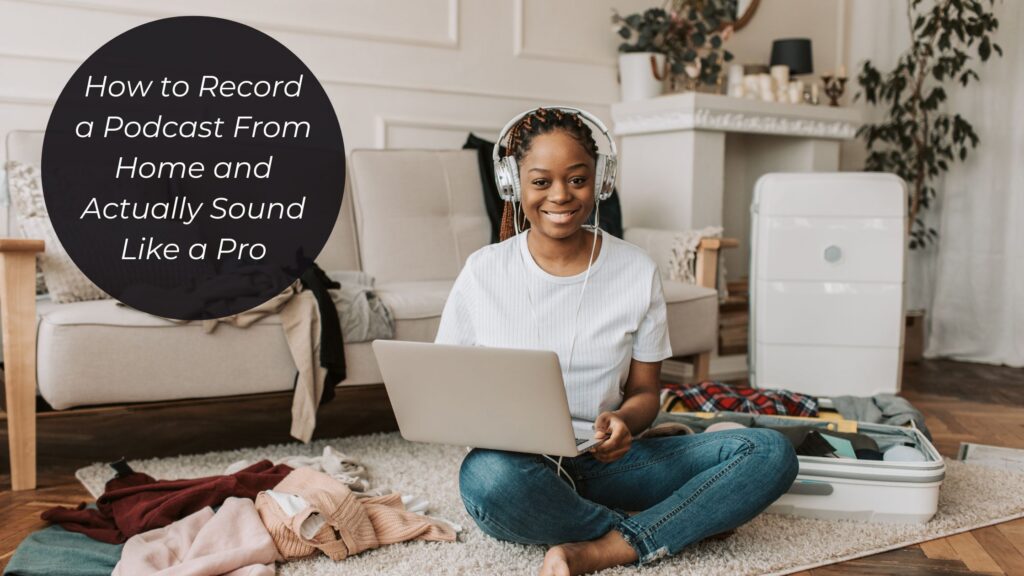
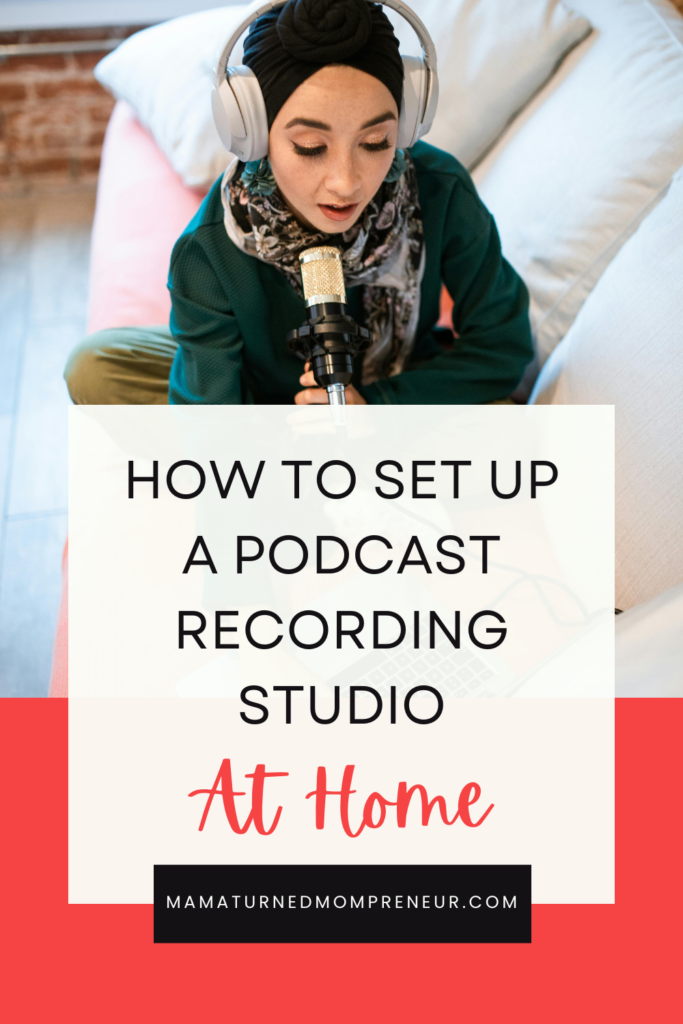
If you think you need to wait until you have the perfect setup or access to a studio to start a podcast, think again. You can start a podcast from home and record quality audio without breaking the bank. This blog breaks down how to record a podcast from home, what equipment you need, and recording tips to help you capture quality audio.
As a podcast strategist, I have supported over 60 women in starting a podcast and optimizing it for leads and conversions. Each client I’ve worked with started an audio-only podcast from home. Using the recording tips I shared and the equipment I recommended, they have all captured quality audio from the comfort of their homes.
You Don’t Need a Studio Setup to Start a Podcast
When you think of starting a podcast, you may imagine many of the podcasts you see on YouTube where the host and their guest are seated on a couch with professional microphones and perfect lighting. While some podcasts do have those types of setups, it’s not a requirement to start a podcast or sound like a pro. If you’re planning to start with an audio-only podcast (which I highly recommend if you’re new to podcasting), you can capture clear, crisp audio from the comfort of your home. Keep reading to learn how to set up a podcast at home.
How to Start a Podcast at Home
There are two options for recording your podcast at home: a microphone or your phone. Where you record in your house will depend on which one you use. I break down how to record using both and provide video tutorials on how to record clear audio from home inside my podcast launch course, Podcast Like a Business Owner.
How to Record a Podcast from Home Using a Microphone
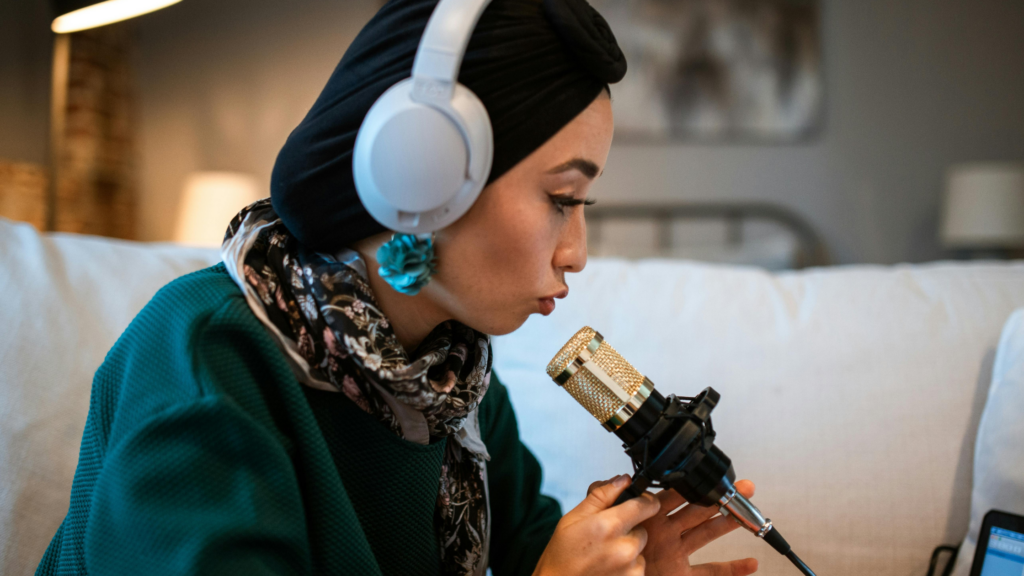
When recording at home, you will want to use a dynamic microphone instead of a condenser microphone. A dynamic microphone isn’t as sensitive to background sounds as a condenser microphone. My top recommendation for dynamic microphones is the Samson Q2U. This microphone plugs directly into your computer and is easy to use. It’s also less than $100, making it budget-friendly.
You can record your audio for free on Audacity or use a paid recording platform like Zoom or Riverside. When recording, you want to make sure that you select the name of your microphone as your input device regardless of which platform you record on. You also want to make sure you position your microphone about 4 to 6 inches away from your mouth and position it at an angle (to the side of your mouth instead of directly in front of it). To adjust for volume, pull your microphone closer if you speak softly and push it further away if you naturally speak louder.
How to Record a Podcast from Home Using a Cell Phone
You can start a podcast on your phone, and it’s much easier than you think. I personally record my solo episodes on my iPhone using the Voice Memo app. It’s easy to use, and I capture clear audio. The voice memo app also lets you pause your recording, edit out mistakes, re-record, and more. When recording on your cell phone, you want to position the phone microphone in front of your mouth. You also want to hold the phone about 3-4 inches away from your mouth. Avoid moving your phone to the side or away from your mouth while speaking, as it can affect audio quality.
How to Set Up Your Home for Podcast Recording
Whether you’re recording with a microphone or your cell phone, you want to record somewhere with low, vaulted ceilings, carpeted floors, and plenty of softness around you. If you want to record sitting at a table or desk, you should cover the desk or table with thick blankets or towels to help prevent any echoing. The best place to record is a carpeted walk-in closet. You’re surrounded by clothes that create a lot of softness and prevent echoing.
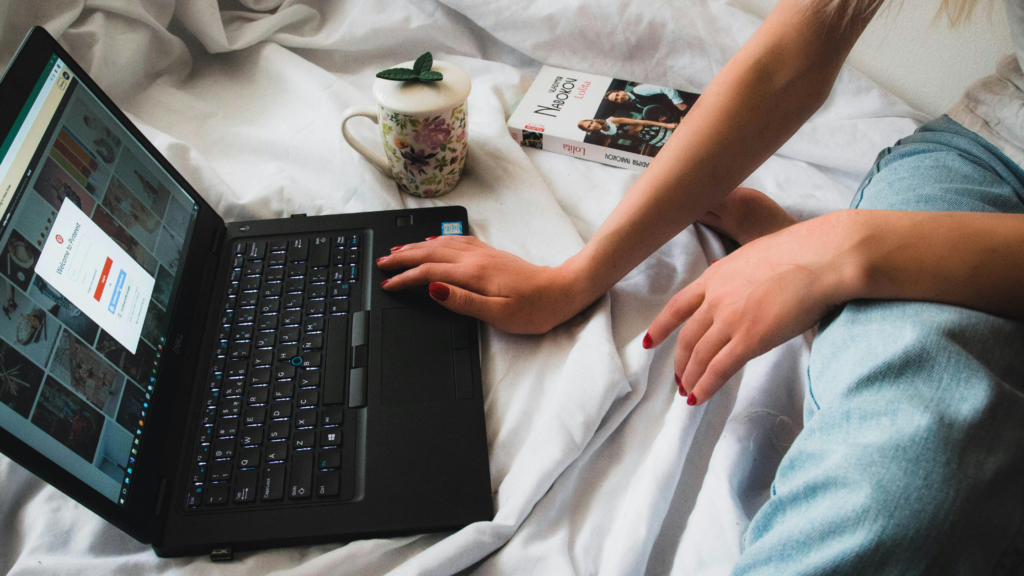
Another option for recording is the middle of your bed. This will only work if your floor is carpeted and you don’t have high vaulted ceilings. Something else to be mindful of when recording is being near a window, which can pick up a lot of background noise (e.g., cars driving by, dogs barking), as well as the sound of a fan, air conditioner, or heater running. Those are all sounds that can be picked up in the background and ruin your recording.
Additional Podcast Recording Tips and Best Practices
How you record your podcast episodes can either simplify or complicate the editing process. If you mess up while recording, such as stumbling over a word or saying the wrong thing, pause for a few seconds, then repeat the entire sentence. This makes for a cleaner editing process in that you’ll just have to remove the section you messed up on, and you’ll have a clean recording to use instead of trying to edit out the single mistake. If you typically speak fast, be mindful of your pacing so listeners can easily understand what you are saying. Lastly, do your best to clearly enunciate each word as you speak.
Recording a Podcast from Home FAQs
Can You Podcast at Home?
Yes, you can podcast at home. Many podcast hosts record their podcast episodes from the comfort of their homes. A studio or studio setup is not required to record quality audio at home. The main thing is to ensure you have a dedicated recording space that helps block out or minimize background noise and echoes.
What Equipment Do You Need to Record a Podcast at Home?
The main equipment you need to record a podcast at home is a microphone or a cell phone and a platform to record your episodes. You also need a dedicated space to record your episodes, such as a walk-in closet or an office with low, vaulted ceilings, carpet, and towels or blankets over the table or desk to reduce echo and other noise.
How Does a Beginner Start a Podcast?
If you are a beginner looking to start a podcast, I highly recommend signing up for my podcast launch course, Podcast Like a Business Owner. The course walks you through everything you need to do and know to successfully launch a profitable podcast that supports business growth. You learn everything from the technical aspects to the strategy behind podcasting for your business. You’re also provided with easy to follow tutorials, templates, and other resources that simplify the entire podcast launch process.
Can I Start a Podcast for Free?
Yes, you can technically start a podcast for free. However, it is not recommended if you are starting a podcast to support your business growth. To start for free, you can record your solo episodes on your cell phone, edit using the free software Audacity, and host your podcast on Spotify for Creators. The issue with starting a podcast for free as a business owner is that you miss out on much needed features available on paid podcast hosting platforms, and you aren’t able to record interviews or client case study episodes since you need a microphone and a platform like Zoom or Riverside to record.
What is the Minimum I Need to Start a Podcast?
The minimum needed to start a podcast that supports your business growth is a recording device (dynamic microphone or cell phone), a recording and editing platform, a podcast hosting platform, a professionally designed podcast cover art, a searchable podcast name that clearly communicates what your podcast is about and who it’s for, a clear understanding of why you are creating your podcast and what your podcast goals are, and a website in which you can add a podcast page to.
Recording a Podcast at Home Final Thoughts
Many solo or indie podcasts start at home. You don’t need a recording studio or a studio setup to start your podcast from home. As a podcast host and strategist, I record my podcast on my phone sitting in my walk-in closet, and my audio is clear. Keeping things simple when starting a podcast helps you follow through and hit publish. Stop waiting for the perfect podcast setup, and get started today. My podcast launch course, Podcast Like a Business Owner, is a great resource to get you started. My podcast, Evergreen Marketing Era for Women Entrepreneurs, is another great resource that teaches you how to start a profitable podcast that grows your email list and gets you clients, and how to grow and optimize your podcast for more leads and conversions. If you’re looking for a detailed list of what podcast tools you need to get started, check out this blog.

Comments +